

A Guide to the Ergo Alice 98 Wired Keyboard
need support?
frequently asked questions
Is this good for long nails?
Excellent. The ergonomic angle keeps your hands in a more natural position, which improves nail-to-key contact angles. Less lateral wrist strain means cleaner, more consistent actuation — especially on the outer columns that long nails typically struggle with on straight keyboards.
What's the factory reset procedure?
Hold FN + ESC for 3 seconds. The keyboard will reset to default settings including RGB effects and key mappings.
What are the two separate LED zones?
This keyboard has independent RGB for the keys and a decorative trim strip on the keyboard body. Both are controlled separately — you can run different colors, modes, and brightness on each zone simultaneously.
Will this work with Figma/Adobe/Sketch shortcuts?
Yes. All modifier keys present. The full F-row is dedicated — no FN layer needed. Custom shortcuts work identically to standard keyboards once you adjust to the ergonomic layout.
Can I use this for gaming?
Yes. WASD, dedicated arrow keys, numpad, and all standard gaming keys are present and immediately accessible without function layers.
Is the split spacebar difficult to use with long nails?
No — it's actually more comfortable. Each thumb naturally rests closer to its respective spacebar half, requiring less reach and reducing awkward nail angles on the spacebar edge.
Will this work with both Mac and Windows?
Yes. Press FN + S to toggle between Mac and Windows modes. Mac mode maps the F-row FN layer to macOS media and brightness controls. Windows mode maps them to file manager, calculator, and media shortcuts.
Do I need FN to access F-keys?
No. The F-row (F1-F12) is fully dedicated — press directly without holding FN. FN combinations on the F-row open media controls and system shortcuts instead.
Does it have arrow keys and a numpad?
Yes to both. This full size layout includes dedicated arrow keys, a full navigation cluster, and a numpad on the right side — no function layers required for any of them.
How long does it take to adjust from a standard keyboard?
Most users adjust within 1-2 weeks. The angled layout feels unfamiliar at first, but muscle memory recalibrates quickly. The key is committing fully rather than switching back and forth. By week 2, straight keyboards start feeling unnecessarily stiff.
What makes this an ergonomic keyboard?
Each half of the keyboard angles inward toward the center so your hands sit in a natural, relaxed position without twisting your wrists. It's one connected board — not two separate pieces. The difference shows up within your first hour of typing.
Creamy Keycaps & Wireless Keyboards
-
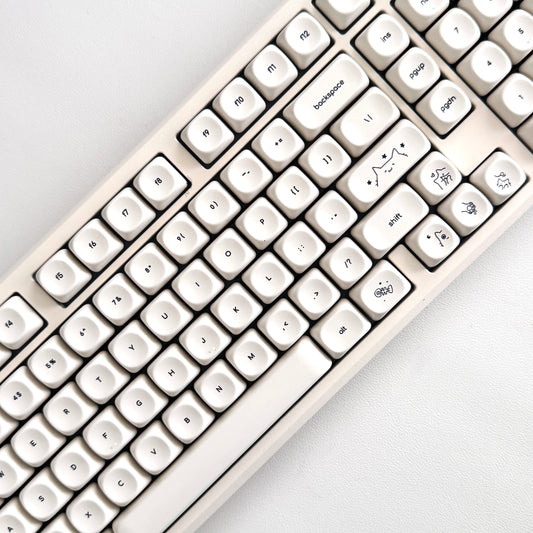
The Creamy Paw
Regular price From $340.00 USDRegular price$280.00 USDSale price From $340.00 USD -
The Retro Finder Keyboard
Regular price From $175.00 USDRegular price$280.00 USDSale price From $175.00 USDSale -
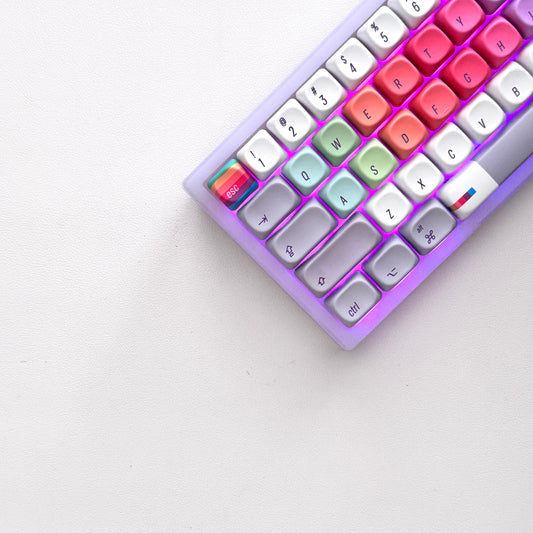
The Ultra Violet Keyboard
Regular price From $195.00 USDRegular price$280.00 USDSale price From $195.00 USDSale -

 Sale
SaleThe Atlas Keyboard
Regular price From $195.00 USDRegular price$280.00 USDSale price From $195.00 USDSale




companions for the keys.
40oz of stainless steel, engraved one at a time. Four colorways, four moods.
-
Sale

All Substance · Cream
Sale price $45.00 Regular price$60.00 -
Sale
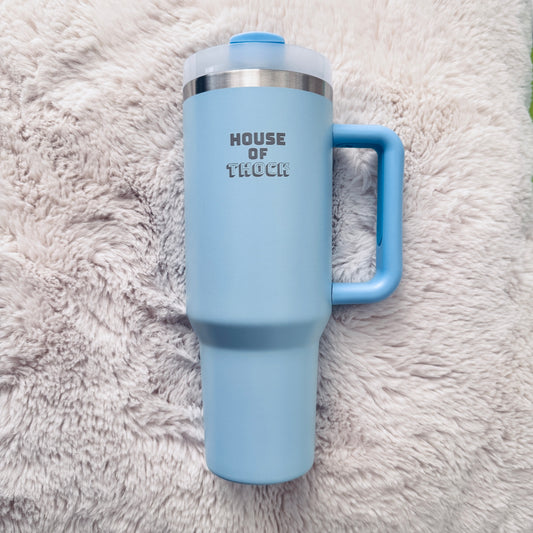
House of Thock · Powder Blue
Sale price $40.00 Regular price$60.00 -
Sale
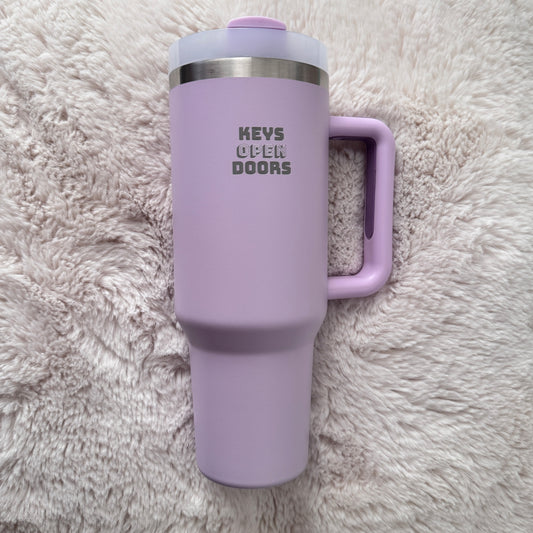
Keys Open Doors · Lilac
Sale price $40.00 Regular price$60.00 -
Sale
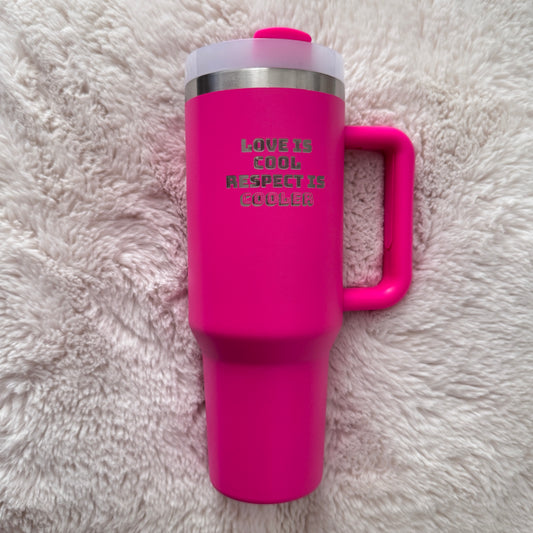
Love Is Cool · Hot Pink
Sale price $40.00 Regular price$60.00
companions included.
Keyboard-and-tumbler pairs, matched by mood — $20 kinder than buying separately.


