

A Guide to the Full 108 Keyboard
need support?
frequently asked questions
How do I switch between RGB color modes?
Press FN + \ to cycle forward through lighting modes. Press FN + DEL to cycle backward. FN + D activates rainbow effect.
How do I switch between Bluetooth devices?
Quick press FN + Q/W/E to switch between three paired Bluetooth devices. Channel indicator: Q = Blue, W = Green, E = Red.
How do I use this keyboard with a Mac?
Use the physical Mac/Win switch on the back of the keyboard. Switch to Mac position for optimized macOS functionality.
How many devices can I pair?
Three Bluetooth devices (FN + Q/W/E). Switch between them instantly using the same key combinations.
How do I know when the battery is low?
Red light shows when battery level drops below 20%. Connect USB cable to charge. Red light remains on while charging.
What about arrow keys for coding?
65% keyboards include dedicated arrow keys - no function layer required. Perfect for navigating code, selecting text, and moving through terminal commands. Unlike 60% boards, you get immediate arrow access without memorizing key combinations.
Why did my Bluetooth connection drop?
After 30 minutes without activity, keyboard enters sleep mode and Bluetooth disconnects. Press any key to wake and reconnect.
Will this work with Figma/Adobe/Sketch shortcuts?
Yes. All modifier keys present. Custom shortcuts work identically to full-size boards. Function layer provides access to F-keys for application-specific commands.
What does the volume knob control?
Volume only. Turn to adjust, press to mute. RGB controls are FN + arrow combinations. Simple, immediate, tactile.
Can I use this while charging?
Yes, connect USB-C cable and continue typing. Charging takes approximately 3 hours to full capacity.
How do I check if my keyboard needs charging?
Press ENTER key. If backlight doesn't activate, battery is depleted and needs charging.
Does this work with iPad/Android tablets?
Yes, connects via Bluetooth or USB-C (with compatible adapter) to any device supporting external keyboards.
What's the difference between wired and 2.4GHz modes?
Wired provides unlimited power and zero battery concerns. 2.4GHz offers wireless freedom with gaming-grade latency (typically 1-3ms). Bluetooth adds multi-device switching but slightly higher latency (8-15ms).
Long nail compatibility?
Excellent. Centered hand position, consistent actuation angles, and knob control accommodate nail length naturally. Less reaching, cleaner typing.
Creamy Keycaps & Wireless Keyboards
-
The Ultra Violet キーボード - Series 06
通常価格 $340.00 USDから通常価格$280.00 USDセール価格 $340.00 USDから -
The Ultra Violet キーボード - Series 06
通常価格 $175.00 USDから通常価格$280.00 USDセール価格 $175.00 USDからセール -
The Ultra Violet キーボード - Series 06
通常価格 $195.00 USDから通常価格$280.00 USDセール価格 $195.00 USDからセール -
The Atlas Keyboard
通常価格 $195.00 USDから通常価格$280.00 USDセール価格 $195.00 USDからセール

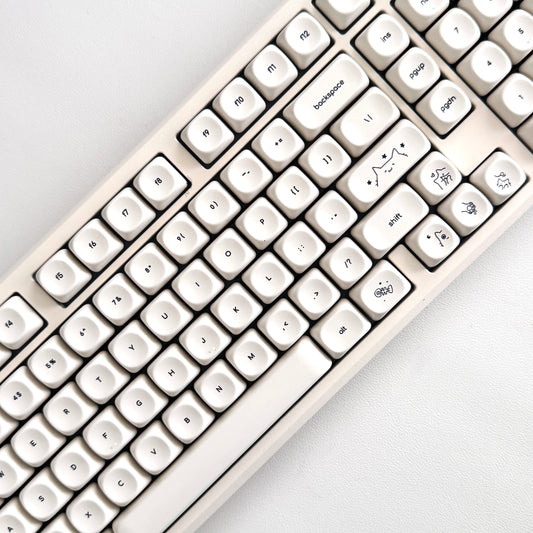

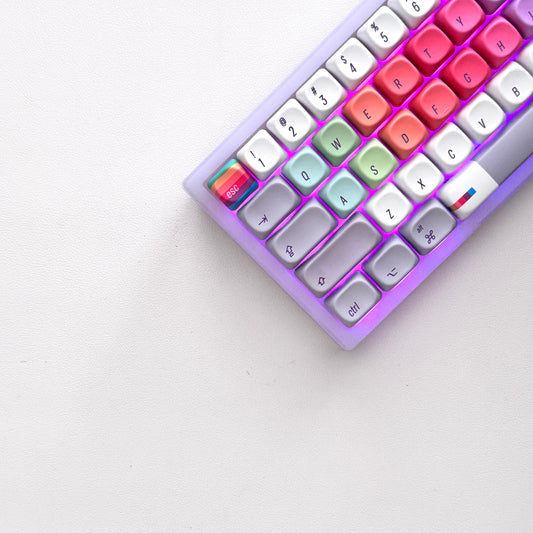


companions for the keys.
40oz of stainless steel, engraved one at a time. Four colorways, four moods.
-
セール

All Substance · Cream
セール価格 $45.00 通常価格$60.00 -
セール

House of Thock · Powder Blue
セール価格 $40.00 通常価格$60.00 -
セール
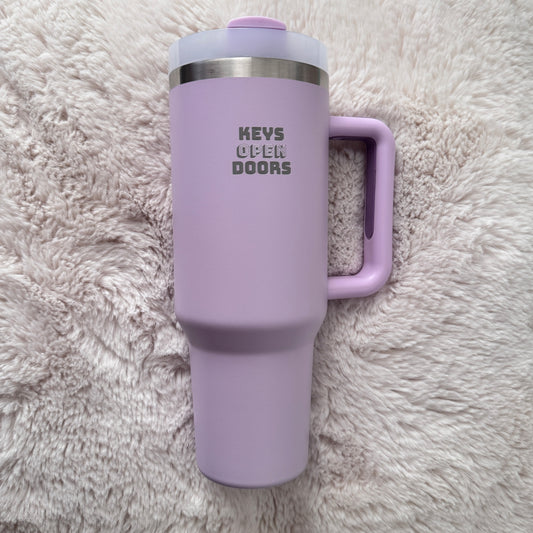
Keys Open Doors · Lilac
セール価格 $40.00 通常価格$60.00 -
セール
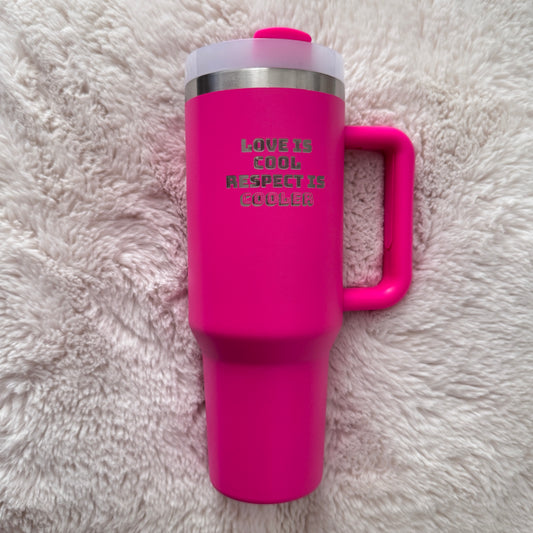
Love Is Cool · Hot Pink
セール価格 $40.00 通常価格$60.00
companions included.
Keyboard-and-tumbler pairs, matched by mood — $20 kinder than buying separately.


